
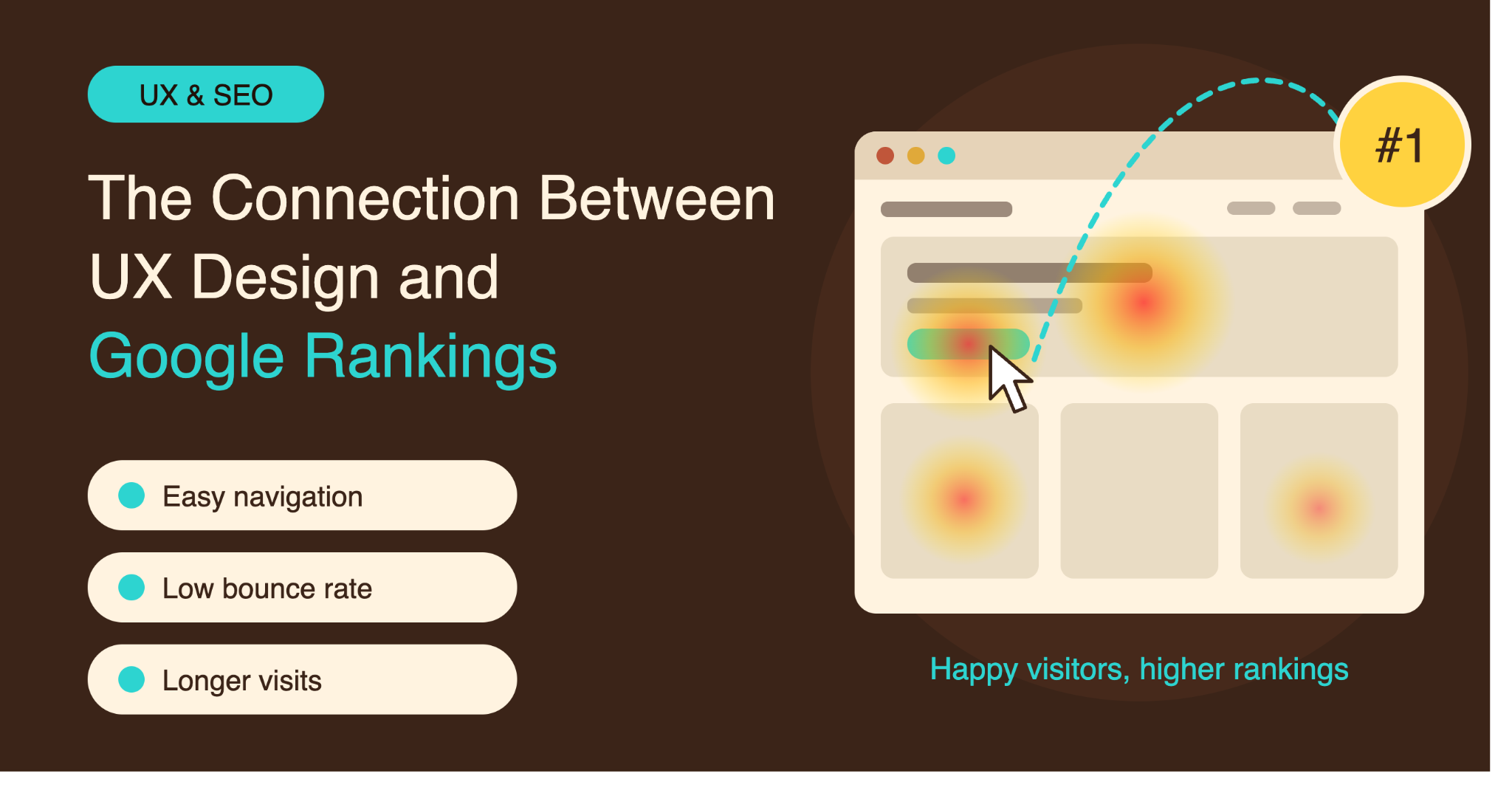
Search engine optimization is often treated as a technical discipline focused on keywords, backlinks, and website structure. While these elements remain important, the experience visitors have after arriving on a website also matters. A site that is confusing, difficult to navigate, or frustrating to use can struggle to turn search traffic into meaningful results.
User experience (UX) design and SEO have different goals, but they overlap in several important areas. Search engines want to provide useful results, while website owners want visitors to find information and complete actions easily. When a website serves both purposes, it creates a stronger foundation for organic search performance.
What UX Design Means for a Website
UX design covers the way people interact with a website. It includes navigation, page layout, readability, mobile usability, accessibility, forms, buttons, and the overall path a visitor follows.
Good UX does not necessarily mean a website needs elaborate animations or a complicated visual style. In many cases, effective UX comes from making information easy to find and removing unnecessary obstacles.
A professional website design company can consider these usability factors while developing a website, ensuring that visual decisions support both visitors and the business’s broader goals.
Navigation Helps Users and Search Engines
Website navigation is one of the clearest connections between UX and SEO. Visitors should be able to understand the site’s structure without having to search through multiple pages to find basic information.
Logical navigation also helps search engines discover important pages. When related pages are connected through clear menus and internal links, search engines can better understand how different sections of a website relate to one another.
For example, a service business may organize its site around core services, service areas, company information, resources, and contact options. This structure can make the website easier for visitors to use while also supporting efficient crawling.
Mobile UX Is No Longer Optional
People increasingly access websites through smartphones, particularly when searching for local services, businesses, and products.
A website that looks good on a desktop but performs poorly on mobile can create an immediate usability problem. Visitors may encounter tiny text, difficult menus, oversized images, or buttons that are difficult to tap.
Responsive design allows page layouts to adapt to different screen sizes. However, mobile UX involves more than simply making a desktop layout smaller. Content hierarchy, navigation, spacing, forms, and interactive elements should all be considered for smaller screens.
Page Speed Affects the User Experience
A visitor does not experience website speed as a technical SEO metric. They experience it as waiting.
Slow-loading pages can be frustrating, especially when someone is searching for a straightforward answer or comparing several businesses. If important content takes too long to appear, visitors may leave before interacting with the page.
Performance improvements such as image compression, efficient code, caching, optimized hosting, and reduced third-party scripts can make a website more responsive.
Speed should therefore be considered as part of UX rather than treated as an isolated technical task.
Readability Makes Content More Useful
SEO brings users to pages, but content needs to be understandable once they arrive.
Large blocks of text, poor contrast, tiny fonts, and inconsistent formatting can make even valuable information difficult to consume. Good UX uses headings, short paragraphs, lists, spacing, and clear visual hierarchy to help readers scan a page.
This is particularly important for informational and service pages. Visitors often want to quickly identify the answer to a question rather than read every sentence from beginning to end.
Clear Calls to Action Improve the Journey
Many websites have a business goal behind their organic traffic. That goal might be generating leads, receiving phone calls, selling products, or getting appointment requests.
A call to action should be visible without being aggressive. Visitors should understand what they can do next and how to do it.
For example, a service page might provide a clear route to request a quote, while an e-commerce page might make product selection and checkout straightforward.
The better the website guides visitors through these actions, the less friction exists between arriving from Google and becoming a customer.
Good UX Can Reduce Unnecessary Friction
UX problems are not always obvious. A website may technically work while still making visitors work harder than necessary.
Consider a contact form with ten unnecessary fields. Or a service page where the phone number is buried at the bottom. Or a navigation menu that uses vague labels instead of clear descriptions.
Each issue may seem minor, but together they can create a poor experience.
UX design is largely about identifying these points of friction and making the user’s path more straightforward.
Internal Linking Connects UX and SEO
Internal links serve both visitors and search engines. They allow readers to move from one relevant piece of information to another while helping search engines discover and understand pages across the site.
Links should be placed where they genuinely help the reader. For example, an article discussing website performance might naturally link to a related guide about mobile optimization.
This approach creates a connected website rather than a collection of isolated pages.
Visual Design Should Support Function
An attractive website can create a strong first impression, but visual design should not come at the expense of usability.
Large animations, video backgrounds, decorative effects, and complex layouts can sometimes distract from the information visitors actually need. They can also increase page weight and affect performance.
Effective web page design balances appearance with functionality. Every major visual element should have a purpose, whether that is communicating information, establishing hierarchy, supporting navigation, or encouraging an appropriate action.
UX and SEO Should Be Planned Together
SEO and UX are often handled separately, with SEO added after a website has already been designed. This can create unnecessary problems.
A better approach is to consider search visibility and user experience during the planning stage. Page structure, content hierarchy, navigation, mobile layouts, internal links, performance, and conversion paths can all be planned together.
This does not mean every UX decision will directly improve rankings. Google uses many signals and systems when evaluating search results, and there is no single design formula that guarantees better positions.
Instead, the goal is to create a website that is technically accessible, useful to visitors, easy to navigate, and capable of delivering a strong experience from the search result through to the final action.
Building Websites for Both Search and People
The relationship between UX and SEO ultimately comes down to usefulness. Search engines want users to find relevant information, while businesses need websites that help visitors accomplish something.
A well-structured website makes that process easier. Clear navigation, readable content, fast pages, mobile-friendly layouts, useful internal links, and straightforward calls to action all contribute to a better experience.
Rather than treating UX as something separate from SEO, businesses can view it as part of the larger process of building a website that works for both search engines and real people.
==============
Meta Title: The Connection Between UX Design and Google Rankings
Meta Description: Explore how UX design, navigation, mobile usability, page speed, readability, and website structure can support SEO and organic search performance.
Meta Keywords: UX design, Google rankings, website design company, web page design, SEO, user experience, website usability
Slug: connection-between-ux-design-and-google-rankings
 TomEditor